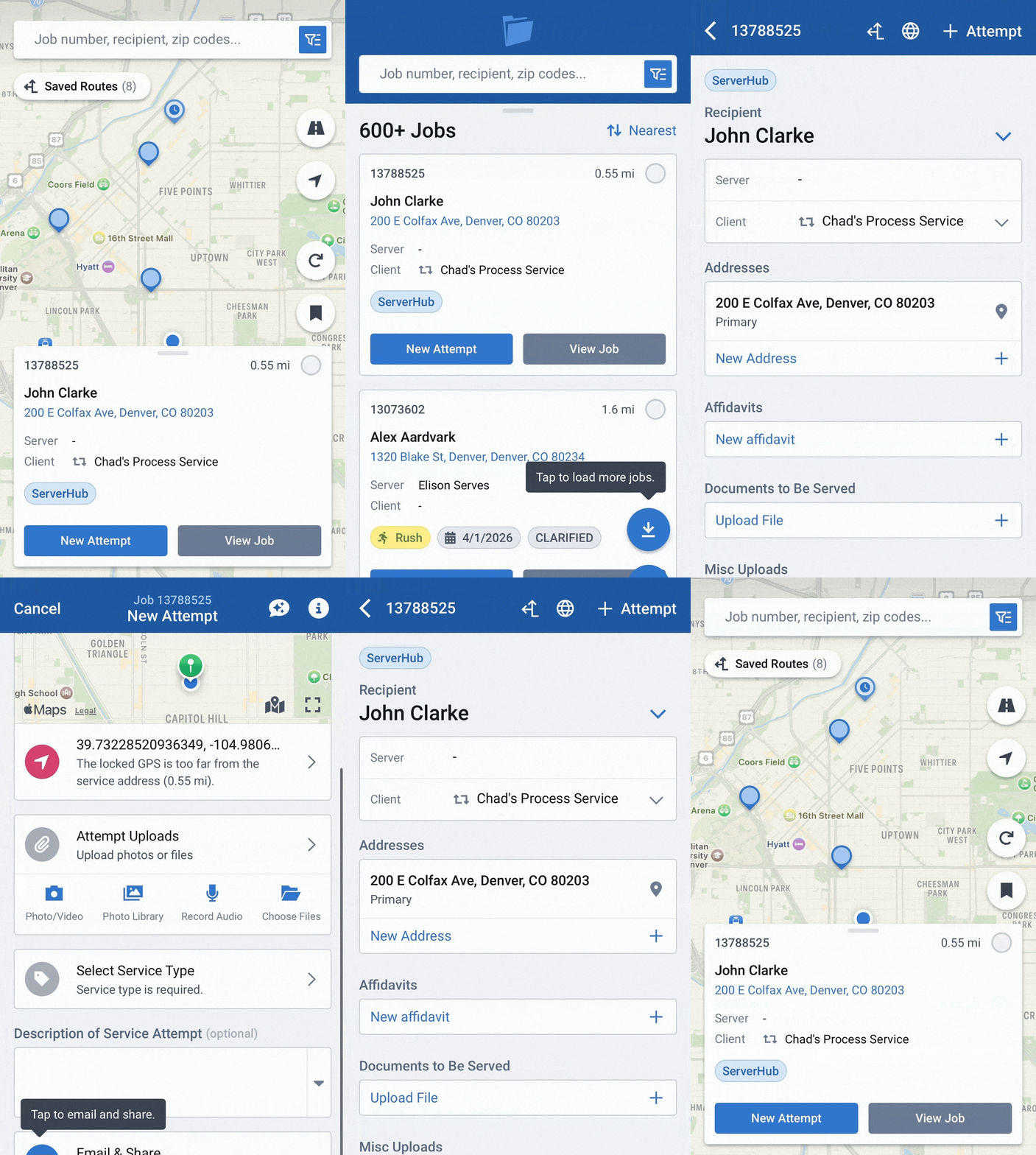
New and Improved Mobile App Routing
- June 29, 2026
- New Features
ServeManager's mobile app routing got more than a makeover - we jam packed this feature with even more functionality to make planning your day easier.
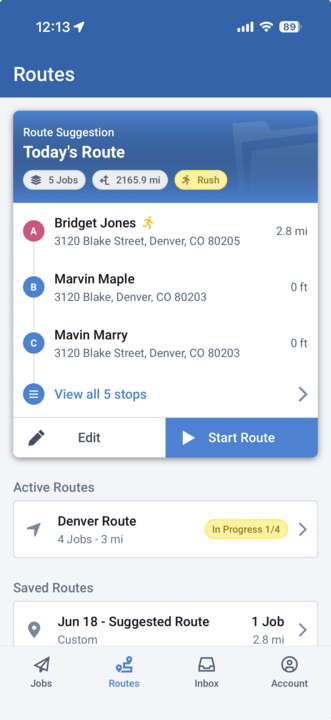
Route Suggestion
ServeManager took the guessing work out of knowing what jobs need to be served today. Our Suggested Route feature calculates which jobs should be on today's route by:
- Priority (rush job)
- Overdue jobs
- Jobs due today or nearly due (within 3 days)
- Due Date
- Proximity
- No or few attempts
Please keep in mind that in order to be calculated on the route suggestion, the jobs must have coordinates, be assigned to the current user, not archived, either with no service status yet, or with service status of "Attempted." Limits to 10 unique coordinates.
Simply start the route to be on your way to serving jobs on time in an optimized route.
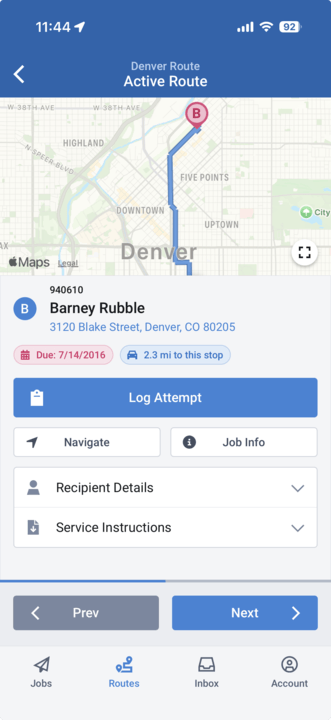
In-Route Attempt Logging
Gone are the days where you have to hunt to find which job you are currently serving and log an attempt. In an Active Route, all the jobs are laid out with relevant details and the ability to submit an attempt. Simply log your attempt, hit next, and you're onto the next serve.
Custom Routes
Say our suggested route just doesn't cut it - you can edit the route suggestion and add or remove whichever jobs you need.
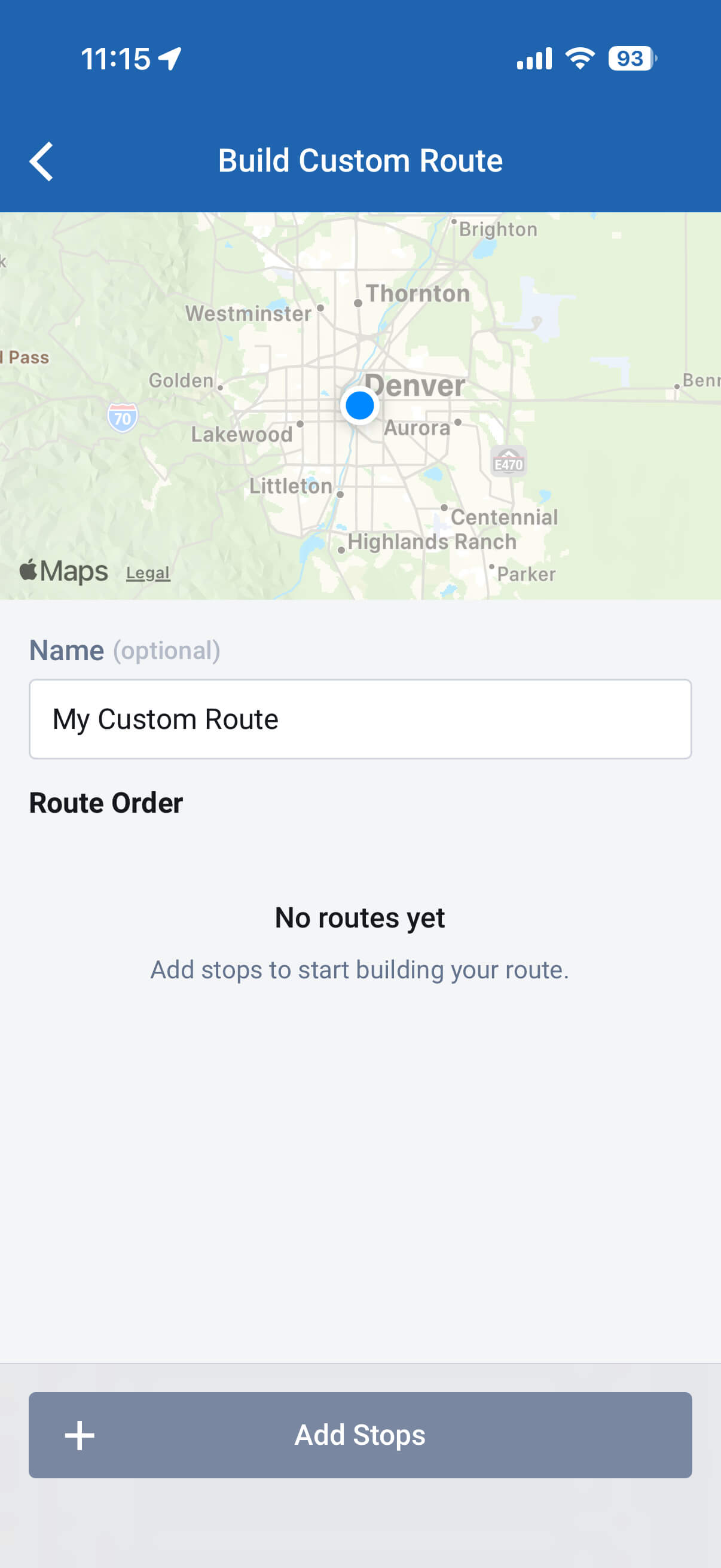
If your day requires something completely custom, you can start a route from scratch. Choose jobs from a map or a list view, while searching or filtering for specific needs.
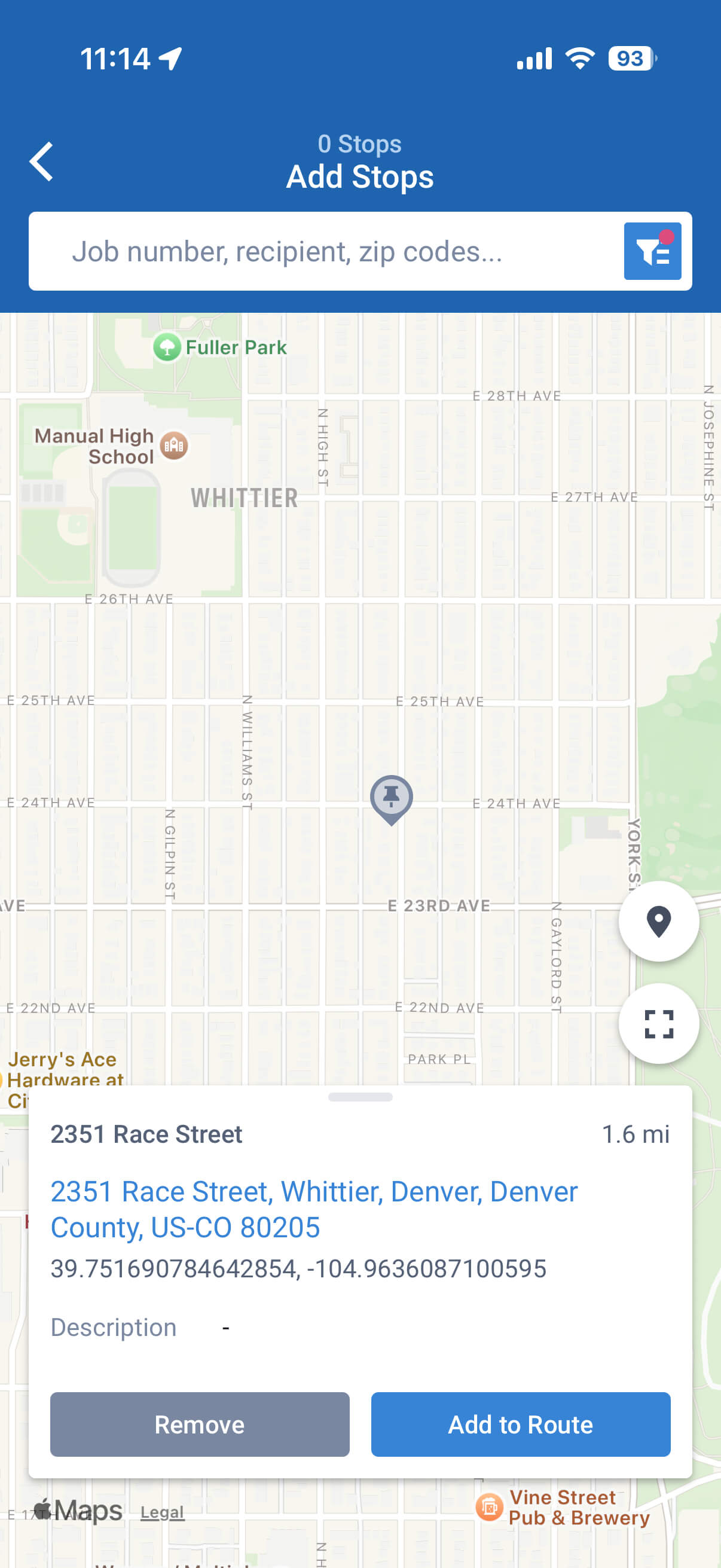
ServeManager is built to work for you, when you need to make a pit stop for coffee, gas, or an errand, we added a way to add a non-job location to your route. While on the Build Route > Add Stop screen, simply long press the non-job location on the map you need to visit to add it to your route.
Desktop (Web App) to Mobile App Routing
Desktop routes are now available in the mobile app. Search in your saved routes and convert the route to mobile! From there you can edit, remove, and add stops like you would a normal mobile app route. One thing to note - any edits made in the mobile app on desktop routes will not update in the original desktop route.
Process Serving Routes to Optimize your Day
We built this feature with in-field servers in mind to make your day more intentional, planned, and organized. With ServeManager's mobile routing, servers can increase their efficiency and productivity.