New safeguards that protect honest process servers
- October 01, 2026
- ServeManager
Trust is the foundation of everything we do together. Every affidavit you sign is your sworn word that service happened exactly as described, and firms and courts rely on it. That's why protecting the integrity of the platform is our top priority. Here's what we're doing to protect that trust, and what it means for you.
Why this matters
Firms and courts rely on accurate attempt records. The clearer your records are, the more confidently firms can file your affidavits, and that keeps work coming your way.
What's changing
- In-app photos only: Photos from your camera roll or photo library can no longer be uploaded to attempts. You'll now only be able to take and upload attempt photos from directly within the ServeManager app.
- Current app version required: You'll need version 1.22.1 or later of the app to record attempts. Turning on automatic updates keeps you covered.
- Automated attempt checks: Automated checks help confirm the GPS location, timing, and photo details on each attempt. When something doesn't line up, our team takes a closer look and will likely reach out to you for more detail.
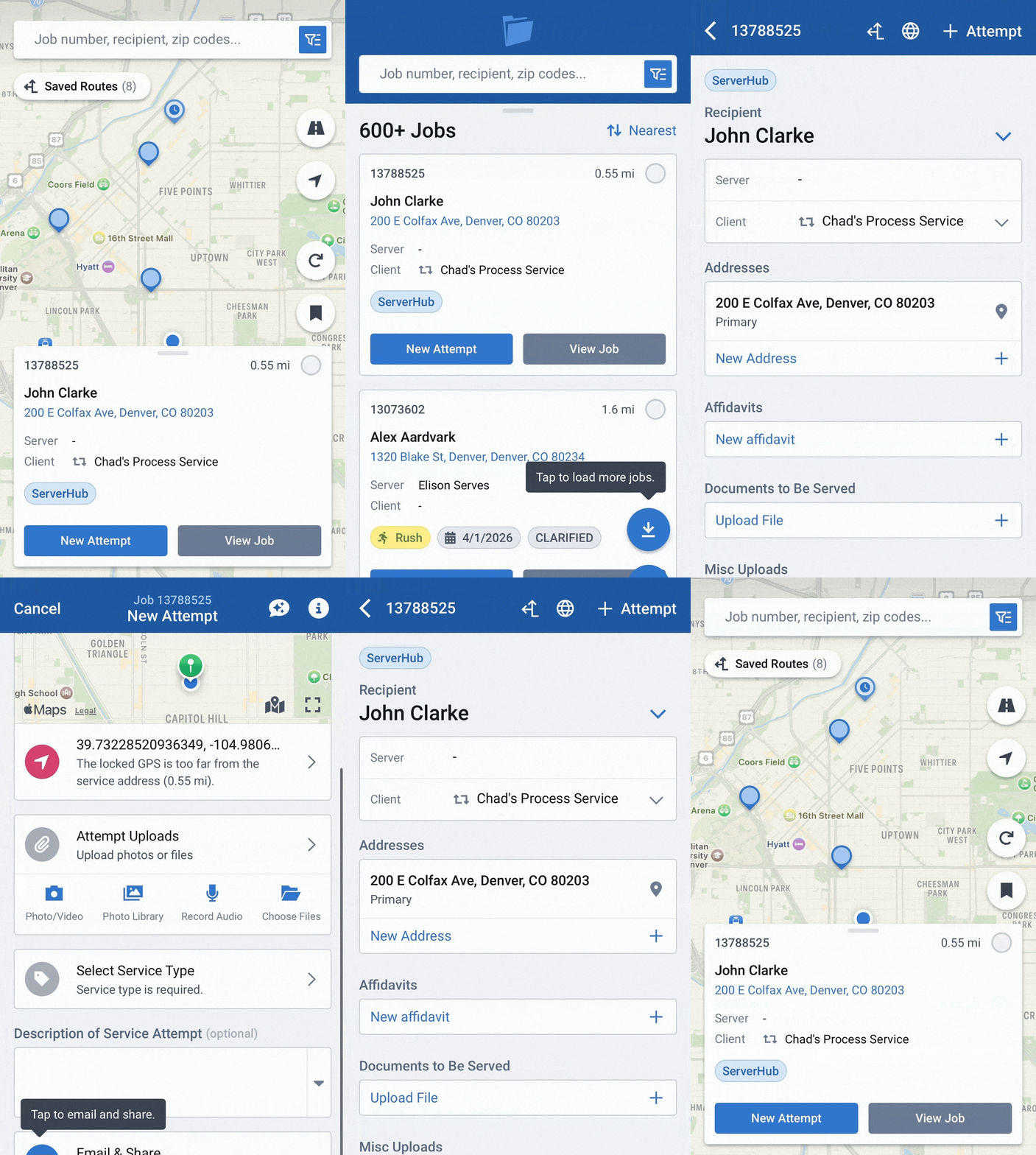
- More accurate location data: Your GPS refreshes when you take a photo in the app, so it's easier to show exactly where and when each attempt happened.
These updates help make sure the work you put in gets the credit it deserves, and that keeps opportunities coming. Read the full release notes.
What you don't have to worry about
- We're here to help. If we spot something that looks like an honest mistake, our team may reach out to help you sort it out, so you can keep earning.
- Field problems happen. If the app crashes mid-capture, you lose signal, or you can't get a photo at a gated community, note what happened in the attempt. Our Mobile App FAQs have tips for common issues, or you can contact support.
Best practices
- Record every attempt in the app, at the address, as soon as it's safe to do so. The app automatically captures the time and GPS location, giving you a clear record that backs up your affidavit if service is ever questioned.
- Take your photos in the app while you're at the door, and include a photo whenever the service type requires one.
- Keep location services on. Let the app capture your GPS before you save. Saving while you're driving away can put your location miles from the address.
- Write notes that tell the story: who you spoke with, a description, and what you saw at the address.
- Make sure everyone serving has their own login. You're responsible for everything recorded under your account.
- If you can't complete service, say so. An honest non-serve is always better than a questionable serve.
Thank you
You're the reason firms can file affidavits with confidence. Keep doing great work, and we'll keep building tools that make it easier.
Thanks for being part of this,
The ServerHub Team